


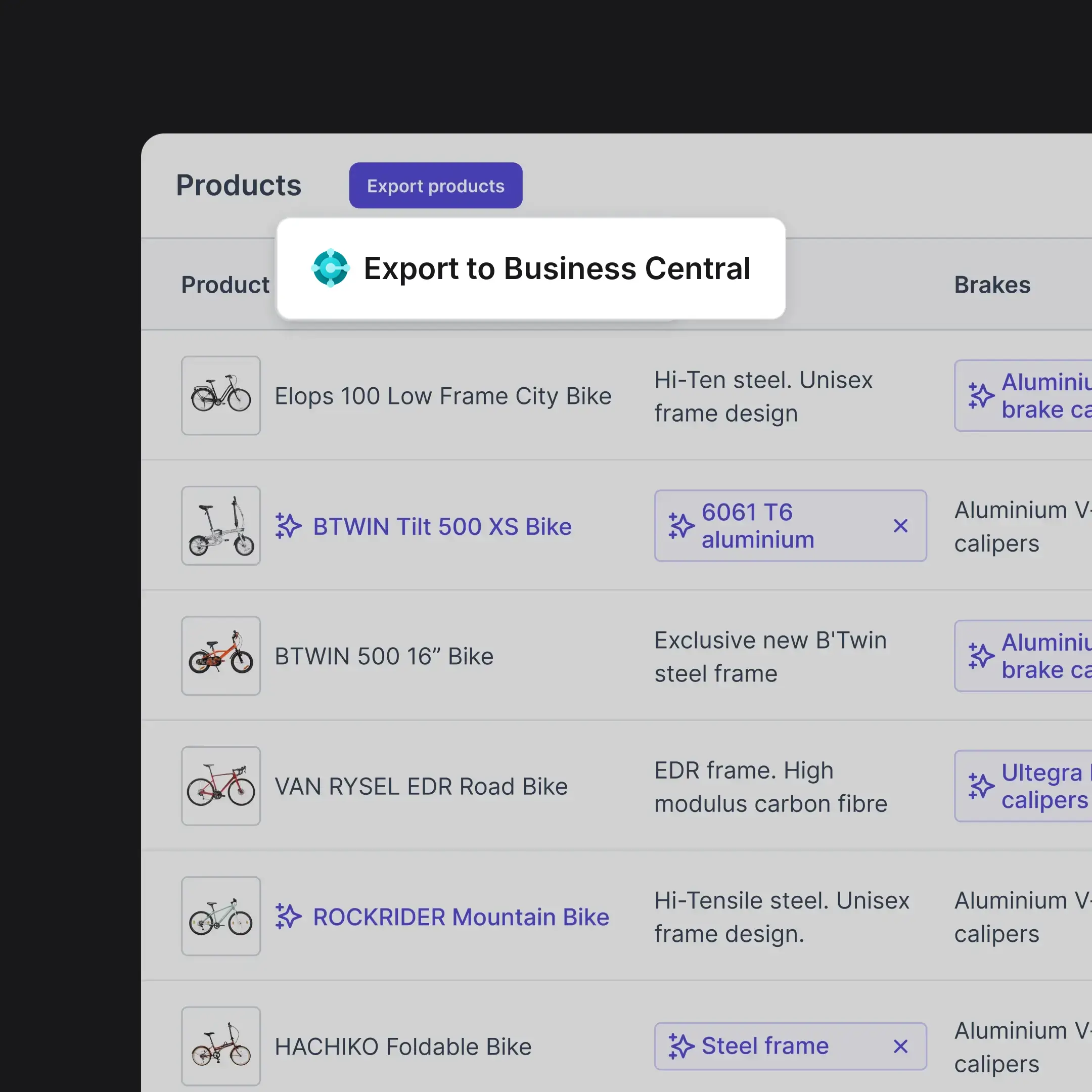
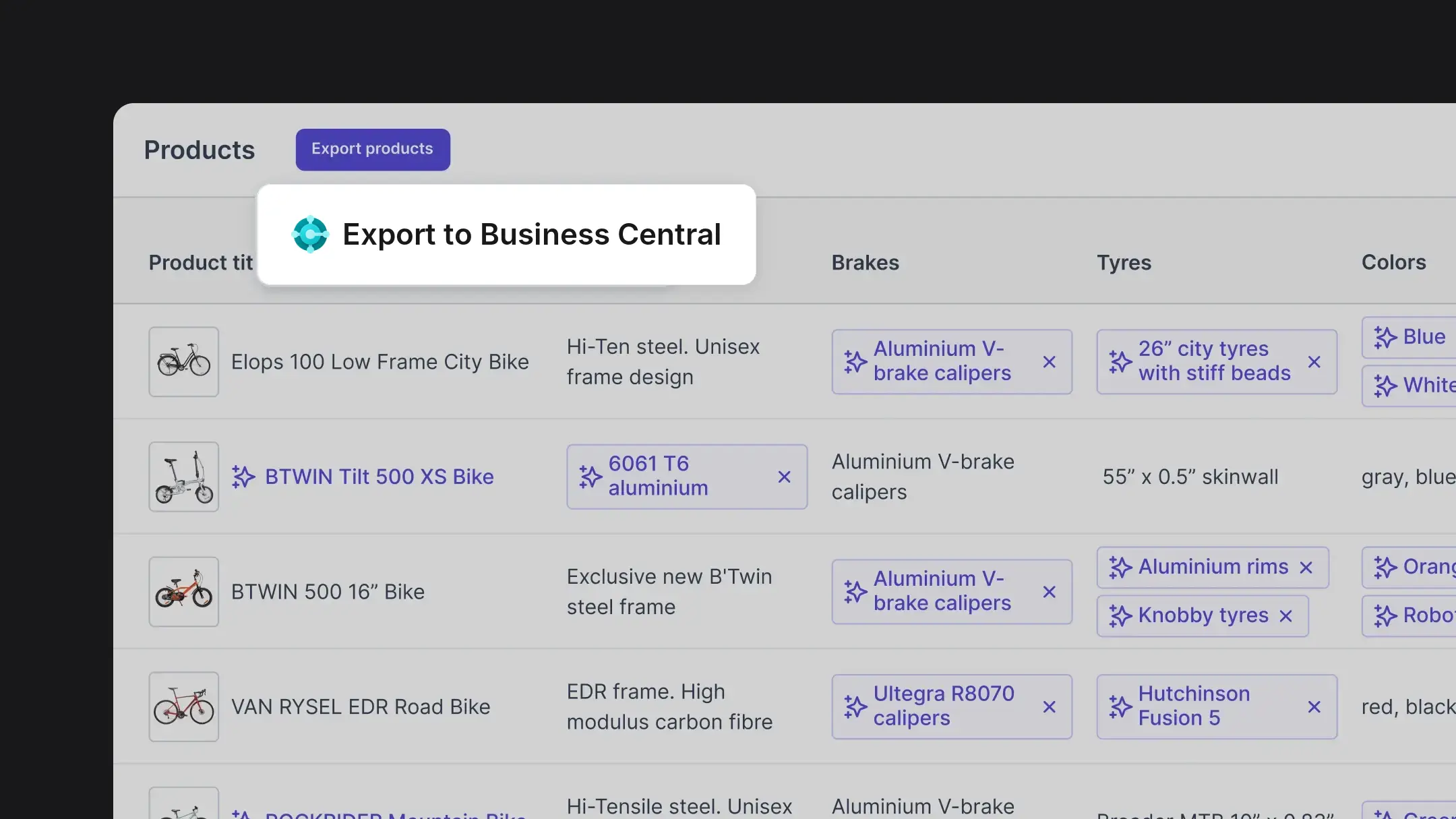









Sync your Business Central items

Syncs items, item attributes, variants, categories and pictures from Business Central in bulk, across your full catalog.
Combines your Business Central items with product data from supplier feeds and your other systems.
Models variants and product relationships in a data structure that scales with your catalog.
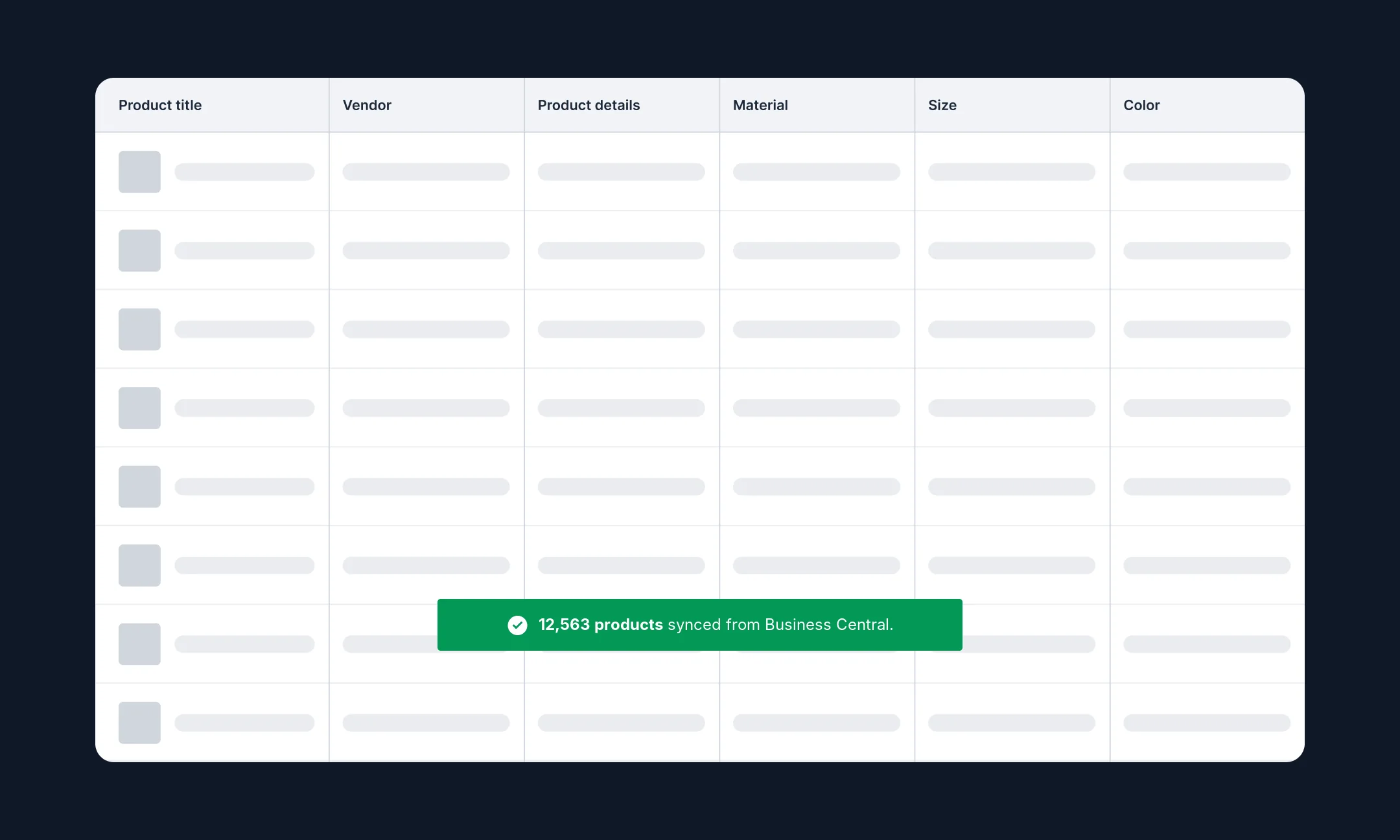
Enrich and check product data
Enriches and standardizes product data, filling gaps and fixing values that are wrong or inconsistent.
Tags and categorizes products against your taxonomy and each channel's requirements.
Checks content and data for tone, accuracy, completeness and compliance before anything syncs.
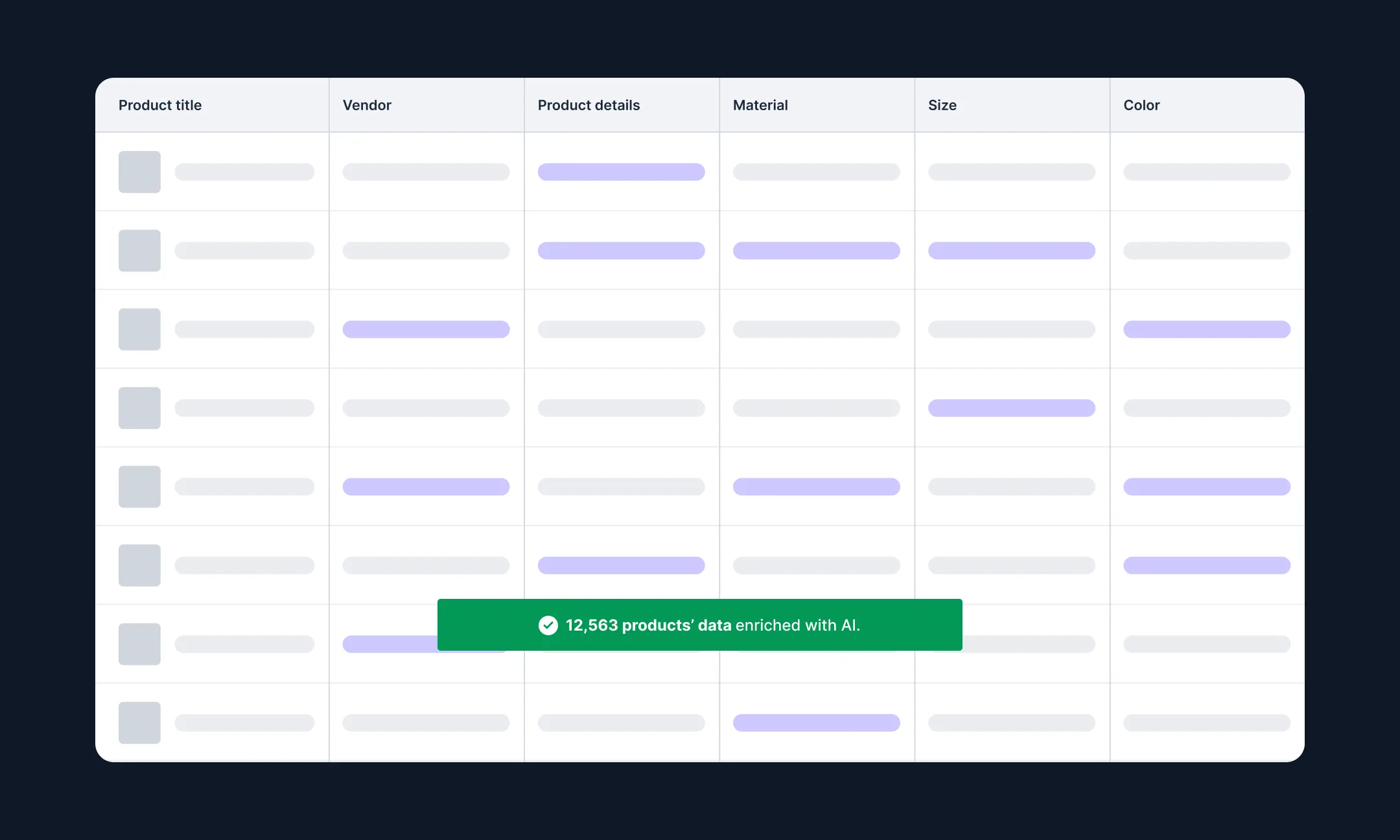
Sync approved data to Business Central and your channels
Writes approved values back to item and variant attributes in Business Central.
Syncs publish-ready content to your ecommerce platforms and marketplaces.
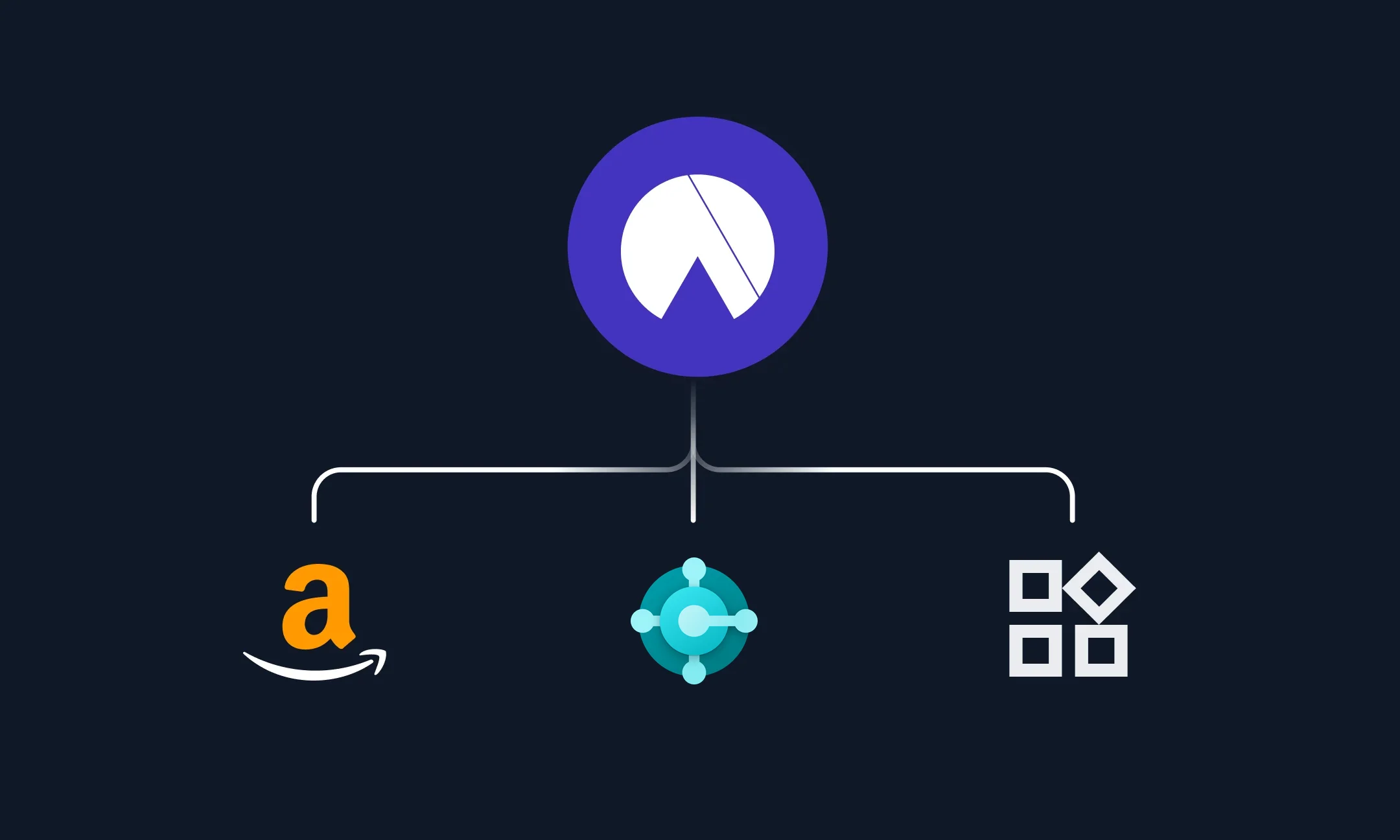
Routes every change through your approval workflow and role permissions, so nothing publishes without sign-off.
Launch faster and boost product visibility with AI


Launch faster and boost product visibility with AI


When does a Business Central business need a PIM?


Frequently Asked Questions
What is a Business Central PIM?

A Business Central PIM is a product information management system that works alongside Microsoft Dynamics 365 Business Central. Business Central stays the system of record for items and inventory. The PIM holds product attributes, content, images and channel versions, improves them in one governed place, then syncs approved data back to Business Central and out to your channels. Hypotenuse AI works as your Business Central PIM: an AI-first PIM with enrichment and content generation built in.
Does Business Central have a PIM?
Business Central doesn't include a dedicated PIM. It manages items, item attributes, variants and translated descriptions as part of running inventory and orders. PIM apps for Business Central are sold separately on Microsoft AppSource, and some run inside Business Central as extensions.
Do we need a PIM if we already use Business Central?
You need one once you manage thousands of SKUs across several storefronts or marketplaces, or once several teams and suppliers edit the same products. Business Central on its own works when one team sells through one channel and item records hold everything that channel needs.
How does Hypotenuse AI work with Business Central?
Hypotenuse AI pulls product data from Business Central and your other systems, enriches attributes and generates content, then syncs approved data back to Business Central and out to your channels through a PIM integration. Your team reviews and approves inside Hypotenuse AI before anything publishes. You can also start from a CSV or Excel export of your catalog.
Can Hypotenuse AI work alongside a PIM we already have?
Yes. If you already run a PIM next to Business Central, product data flows from the PIM into Hypotenuse AI for enrichment and content generation, then back to your PIM or out to your channels. If you don't, the AI-native PIM inside Hypotenuse AI holds your product data and feeds Business Central and your channels directly.
What should you look for in a PIM for Business Central?
Check four things when you compare PIM software for ecommerce: whether it maps to your item attributes and variants, which data syncs with Business Central in each direction, validation that holds back incomplete products before they publish, and whether it can run across your full catalog in bulk.
How many products can it process at once?
Hypotenuse AI is built for bulk work and runs across catalogs from a few thousand products to several million.
.avif)